
Windows & Mac
Paste the post URL and save images to your Downloads folder.
Save single-image photos from public Instagram posts. Paste a post link and download available images to your device.
Only download content you own or have permission to use. By continuing, you agree to our Terms of Service.
Works with public Instagram links. No Instagram login or app required.
Keep downloads for personal, offline viewing. Do not republish or monetize someone else's content without permission. Creators keep the copyright.
VideoDownloader is not affiliated with Instagram or Meta Platforms, Inc. Only publicly accessible Instagram content can be saved for personal, offline use.
Three steps to save public Instagram images without screenshots.
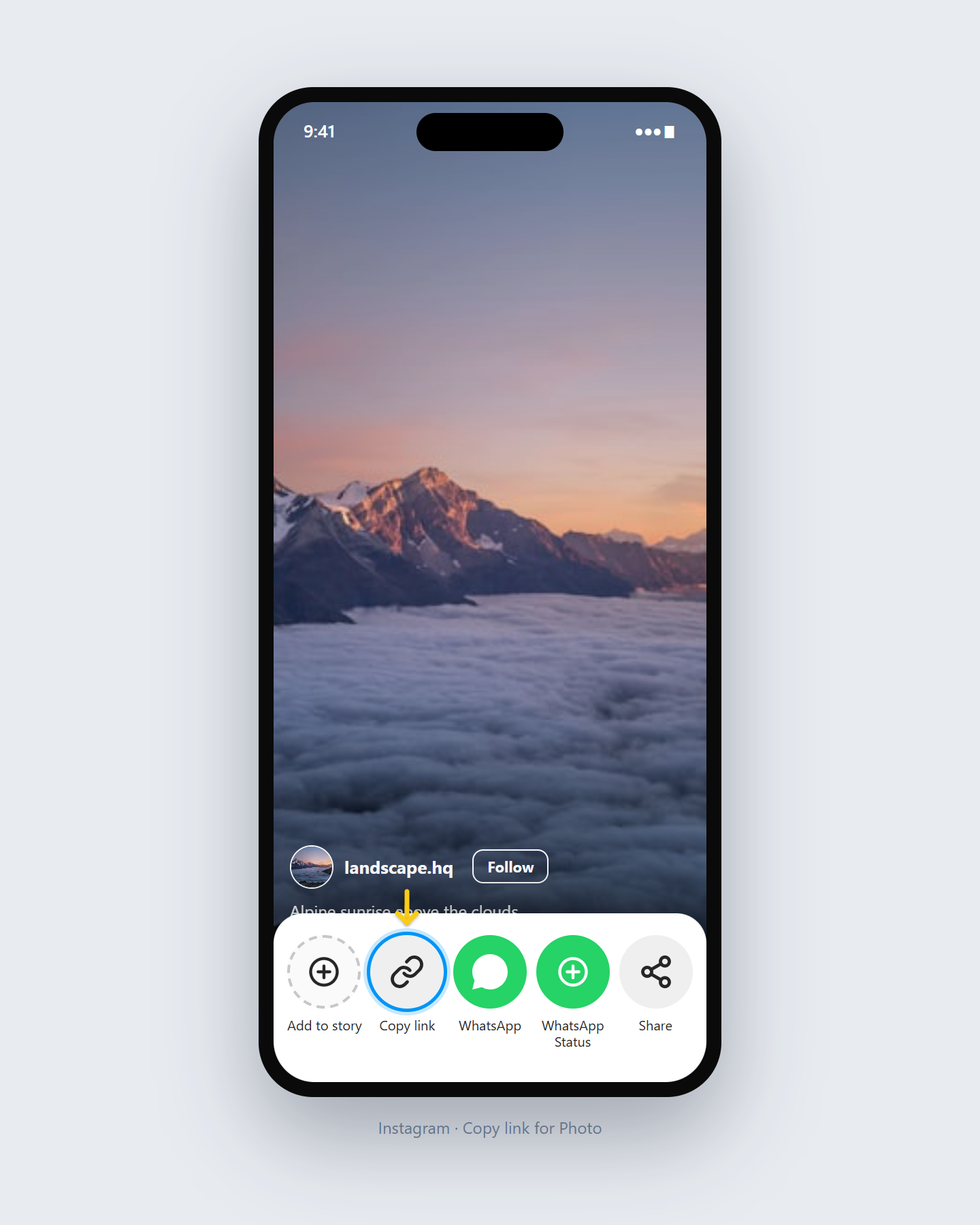
Open the Instagram photo or carousel post, tap Share, then Copy Link.
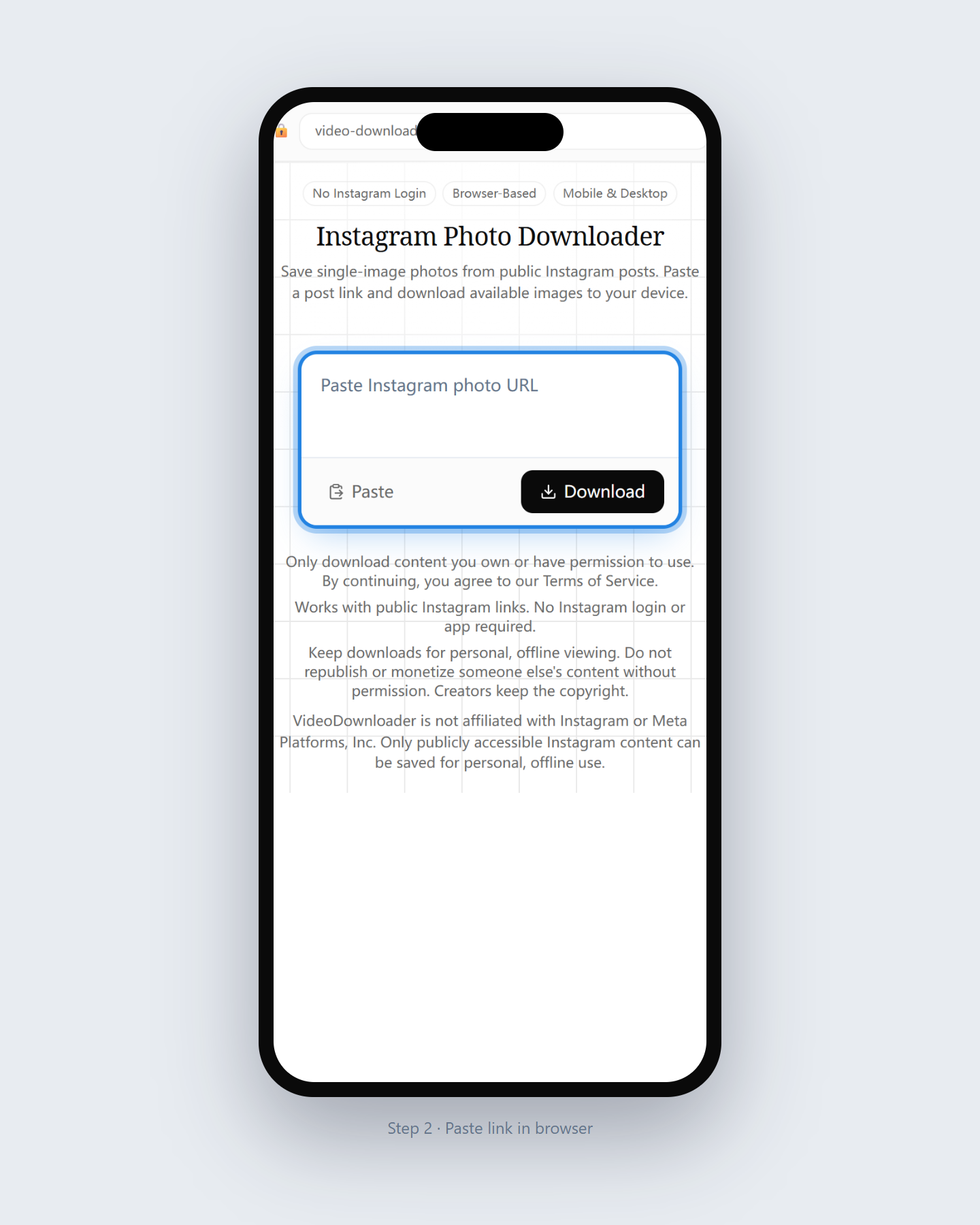
Paste the Instagram photo URL into the input on this page.
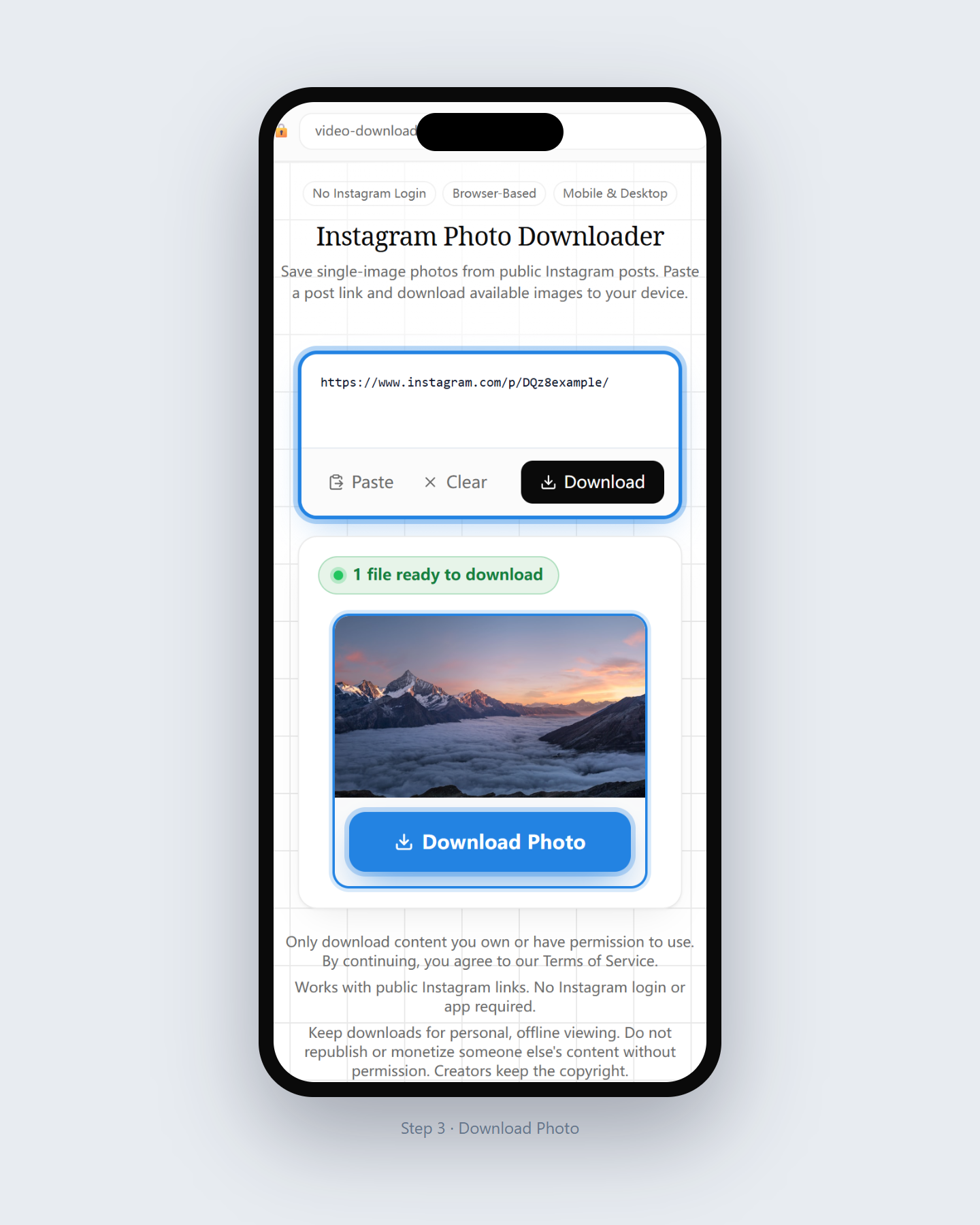
Choose an available photo option and save it to your gallery or Downloads.
Depends on the public images Instagram exposes for the link.
Standard public photo posts with one image.
Individual images from a public multi-photo post when available.
Thumbnails help you confirm the correct post before saving.
Save public photos without cropping screenshots or installing an app.
Fetch publicly available image files Instagram exposes for that post.
Multi-image public posts can list each available photo for download.
Public photos only — we never ask for Instagram credentials.
Works on phone and desktop browsers with nothing to install.
Use for photos you own or have permission to save.
Use case 1
Keep local copies of photos you published on your public Instagram account.
Use case 2
Save authorized reference images when you have rights to keep them offline.
Use case 3
Download photos a client shared publicly when you are allowed to archive them.
Same flow on PC, iPhone, and Android.
Paste the post URL and save images to your Downloads folder.
Download in Safari, then save from Files to Photos if needed.
Use Chrome; images usually appear in Downloads or Gallery.
Scope of this Instagram photo tool.
Last updated: July 2026
Open another downloader for a different content type.
Questions about saving public Instagram photos.
Yes. Paste a public photo link — no Instagram account is required.
We deliver the publicly available image size Instagram exposes for that post.
Yes when carousel items are publicly accessible; each image can appear as an option.
We do not add our own branding overlay to downloaded photos.
No. Private posts cannot be accessed without login, which we never request.
Usually in Downloads or Gallery after the browser finishes saving.
Yes. Use this page for images; use the video or Reels pages for video media.
Only with permission or ownership. Copyright stays with the creator.
Paste a public photo or carousel link and download available images.
Download Now