Windows & Mac
Use a modern browser; downloaded items usually appear in Downloads.
 VideoDownloader
Paste a public Instagram Highlight link to view available photos and videos inside, then download the item you need. No Instagram login required.
Only download content you own or have permission to keep. Creators retain the rights to their photos and videos.
Works with supported public Highlight links. Private accounts, Close Friends content, removed Highlights, and unavailable media cannot be processed.
Video Downloader is not affiliated with Instagram or Meta Platforms, Inc. Only publicly accessible Instagram content can be saved for personal, offline use.
Use a public Highlight link to preview and save available items one at a time.
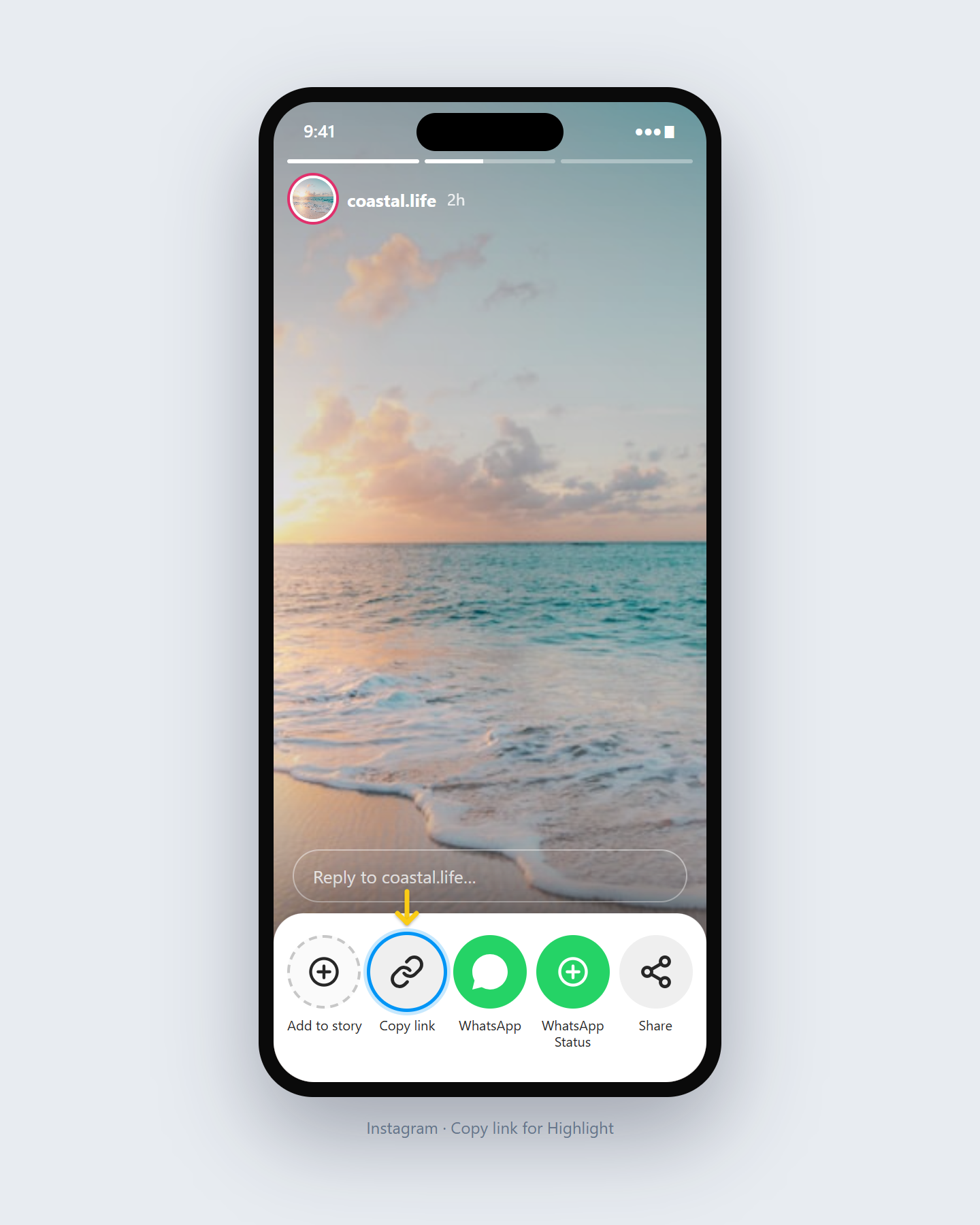
Open a public Highlight on Instagram, then copy the Highlight URL from Share or the browser address bar.
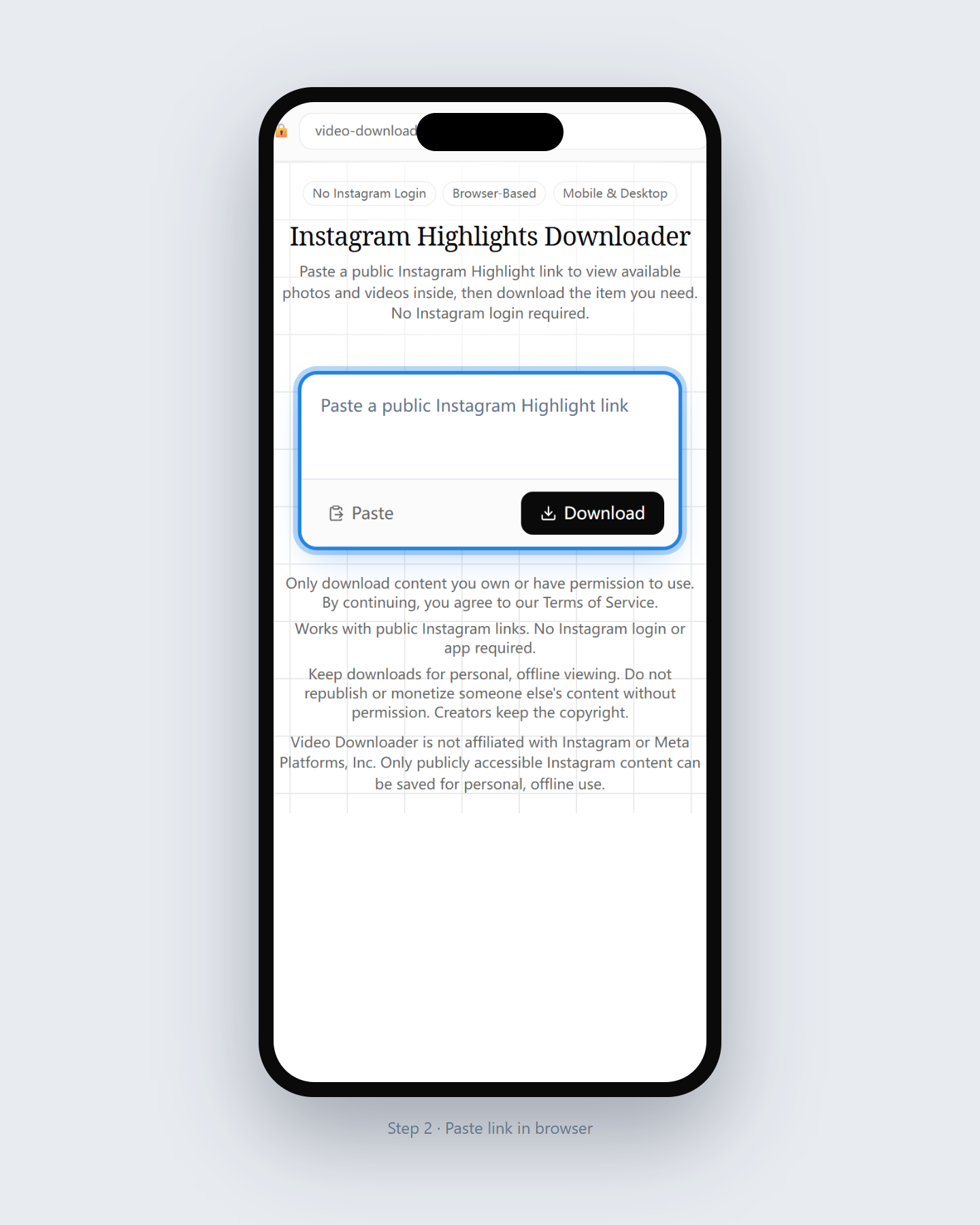
Paste the complete public Highlight link into the tool above and choose Get Highlight.
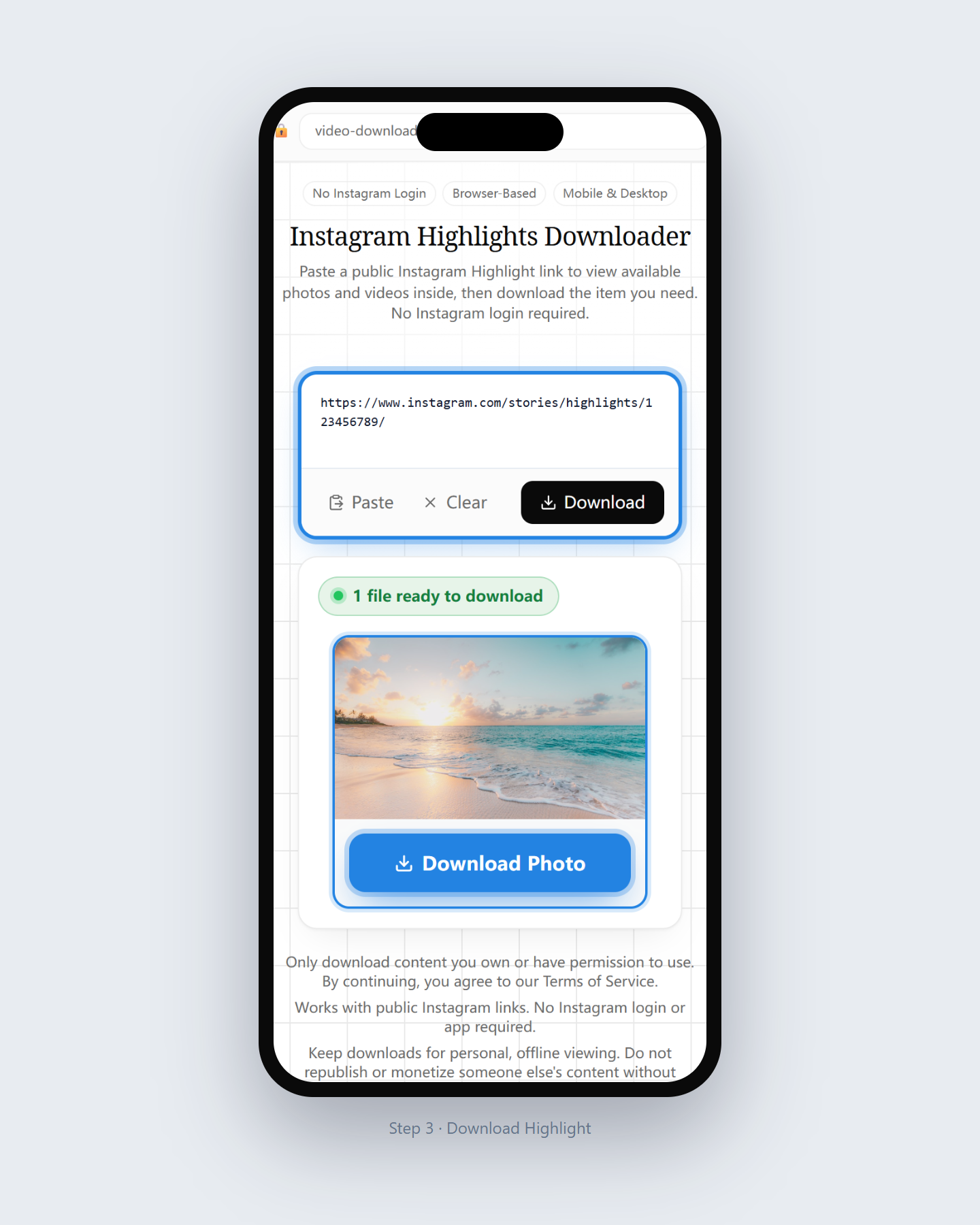
Check the photos and videos returned for that Highlight, then download the item you are allowed to save.
Available items depend on what Instagram returns for the public Highlight link.
Supported when Instagram exposes a downloadable public image inside the Highlight.
Supported when Instagram exposes a downloadable public video inside the Highlight.
Browse the media returned for the Highlight link and download available items individually.
Only shown or downloadable when Instagram provides a separate accessible cover file.
Not handled here. Use the Instagram Story Downloader for a current Story link.
Private and Close Friends Highlights are not supported.
Deleted, renamed, or otherwise unavailable Highlights cannot be recovered.
Bulk or ZIP download is not currently available. Save items one at a time.
A Story is temporary, while a Highlight is a saved Story collection displayed on an Instagram profile. Use the Story Downloader for a current Story link and this page for media inside a public Highlight link. Highlights removed from a profile cannot be recovered here.
A Highlight cover is the circular preview on a profile that represents the album. Inside the album there may be one or more saved Story photos or videos.
The cover is not always the first photo in the album. This page focuses on the media returned for the Highlight link; a separate cover download appears only when Instagram provides one.
If you only need a profile picture, use the Instagram Profile Picture Downloader instead of this page.
Use it for public Highlights you own or have permission to keep.
Use case 1
Keep local copies of Tutorials, FAQs, Reviews, or Event Highlights you published.
Use case 2
Download public Highlight items when you have rights to store them offline.
Use case 3
Save allowed public media before a Highlight is edited or removed from the profile.
Browser steps for desktop and mobile.
Use a modern browser; downloaded items usually appear in Downloads.
Use Safari; files may appear in Files before being saved to Photos.
Use Chrome or another browser; check Downloads or Gallery after saving.
Open another downloader for a different content type.
What to know about saving public Highlight media.
Paste a public Instagram Highlight link, review the available photos and videos, and download the item you need.
Yes, when those public items are available. Choose each photo or video individually.
A Story is temporary, while a Highlight is a saved Story collection displayed on a profile.
No. The tool only processes publicly accessible content and does not bypass private accounts or Close Friends access.
No Instagram login is requested for supported public Highlight links.
You can download available items one at a time. Bulk or ZIP download is not currently available.
Only when Instagram provides a separate accessible cover image and the tool shows a cover download option.
The Highlight may be private, removed, or unavailable, the link may be incomplete, or Instagram may not be returning the media right now.
The format, dimensions, and quality depend on the public media Instagram makes available. Show actual file details in the result when detected.
Yes. Use a modern mobile or desktop browser to paste the Highlight link and save available items.
Only download content you own or have permission to keep, and do not redistribute it without the necessary rights.